






Starter
$9.99/month
Billed $119.88 yearly · save 33%
- 1,000 credits/month
- 15 MB documents · 30-day original retention
- 150 MB media uploads · 30-day original retention
- Fast review
Start 7-day free trial
Then $119.88 billed yearly. Cancel anytime.
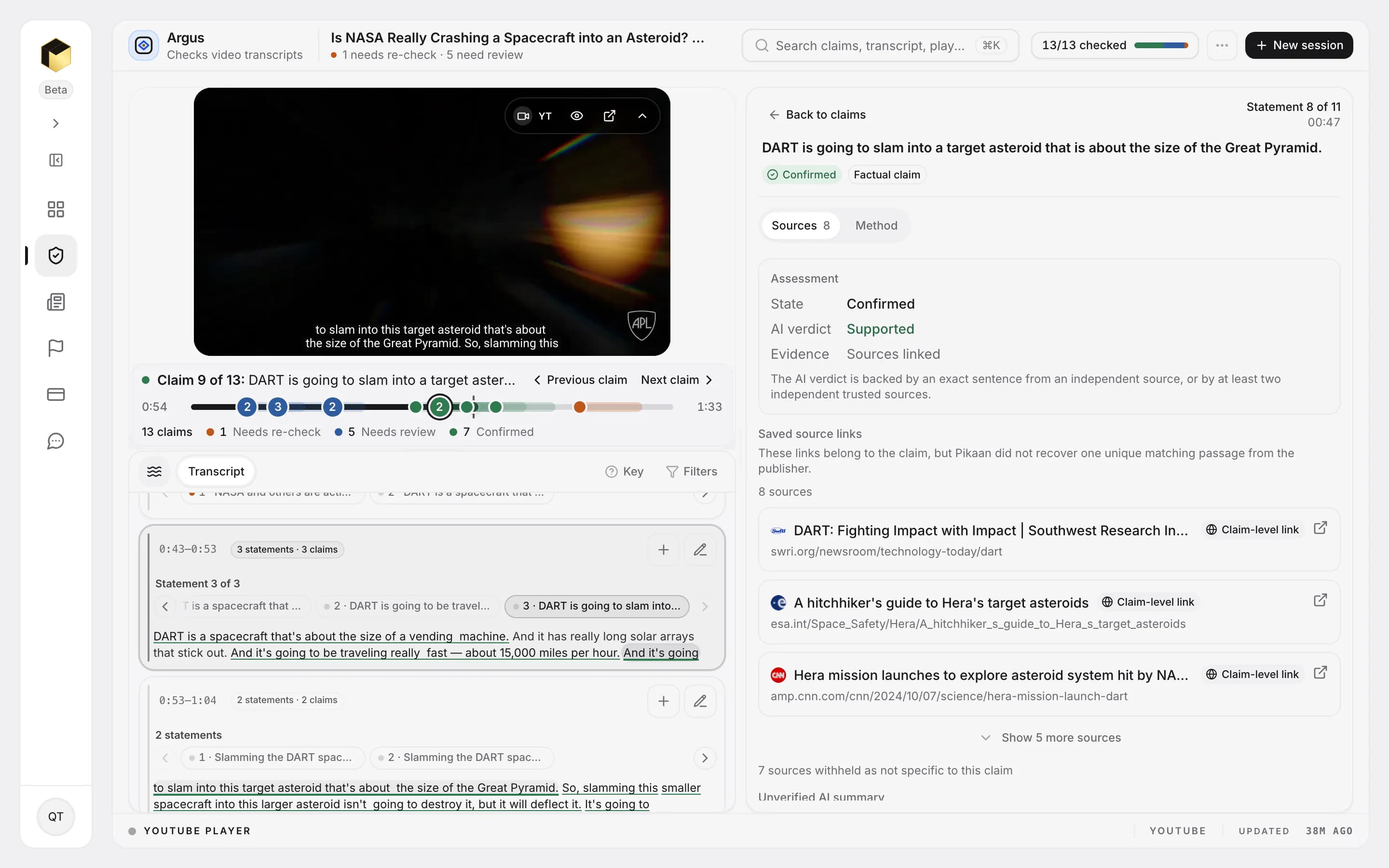
DART is a spacecraft that is about the size of a vending machine.
DART is going to be traveling at about 15,000 miles per hour.
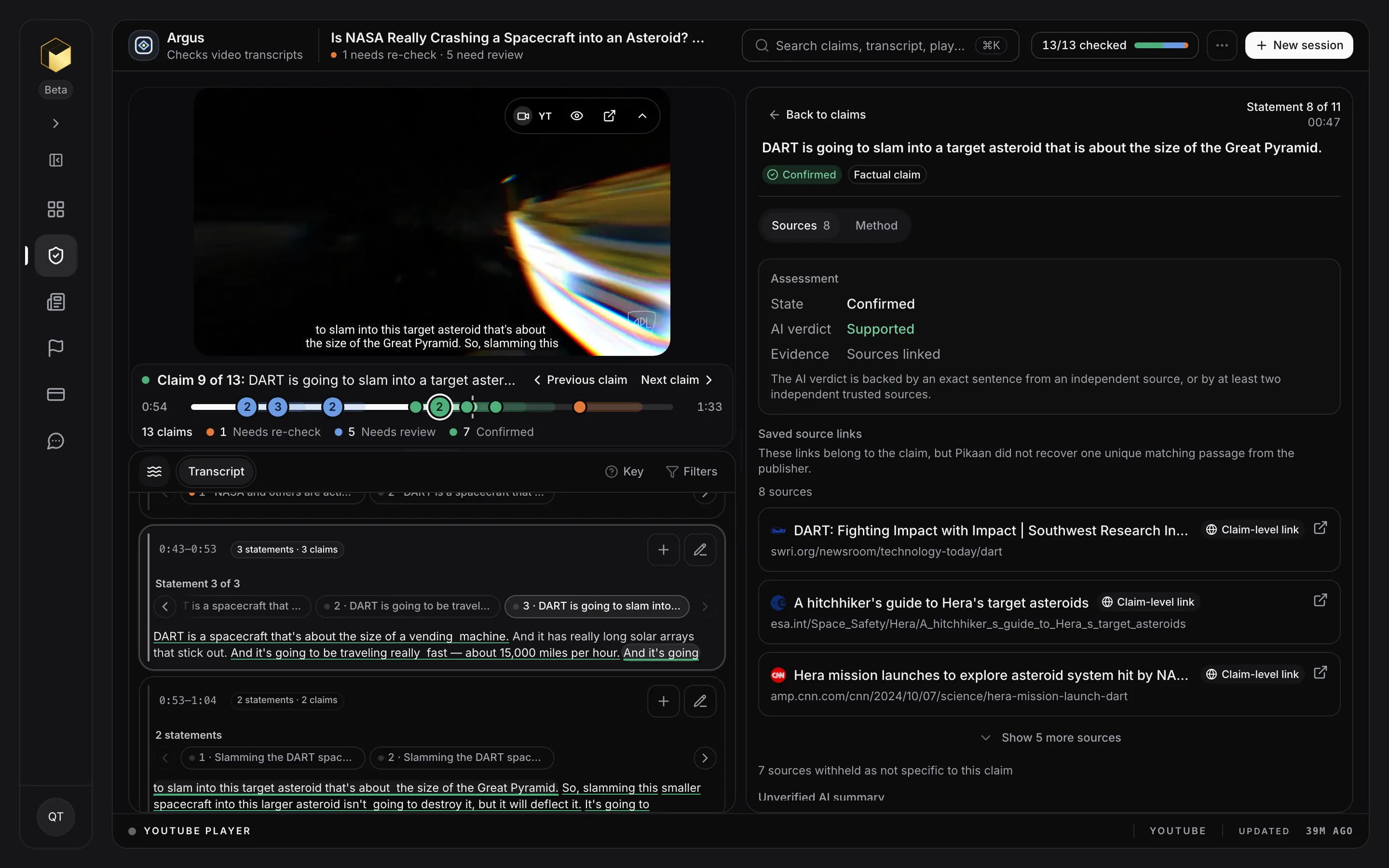
DART is going to slam into a target asteroid that is about the size of the Great Pyramid.
Claim-by-claim fact-checking
Bring a video, audio or an article. In minutes, Pikaan splits it into individual claims, checks them against sources and shows you what backs each one.
Starter includes a 7-day free trial. Cancel before it ends and you are not charged. Built for newsrooms, editorial teams, researchers, and professional verification teams.
Athena Checks written sources
Pasted text, article links, PDF, DOCX, TXT and Markdown
Argus Checks video transcripts
YouTube videos and uploaded video
Echo Checks spoken audio
Uploaded audio and live microphone input
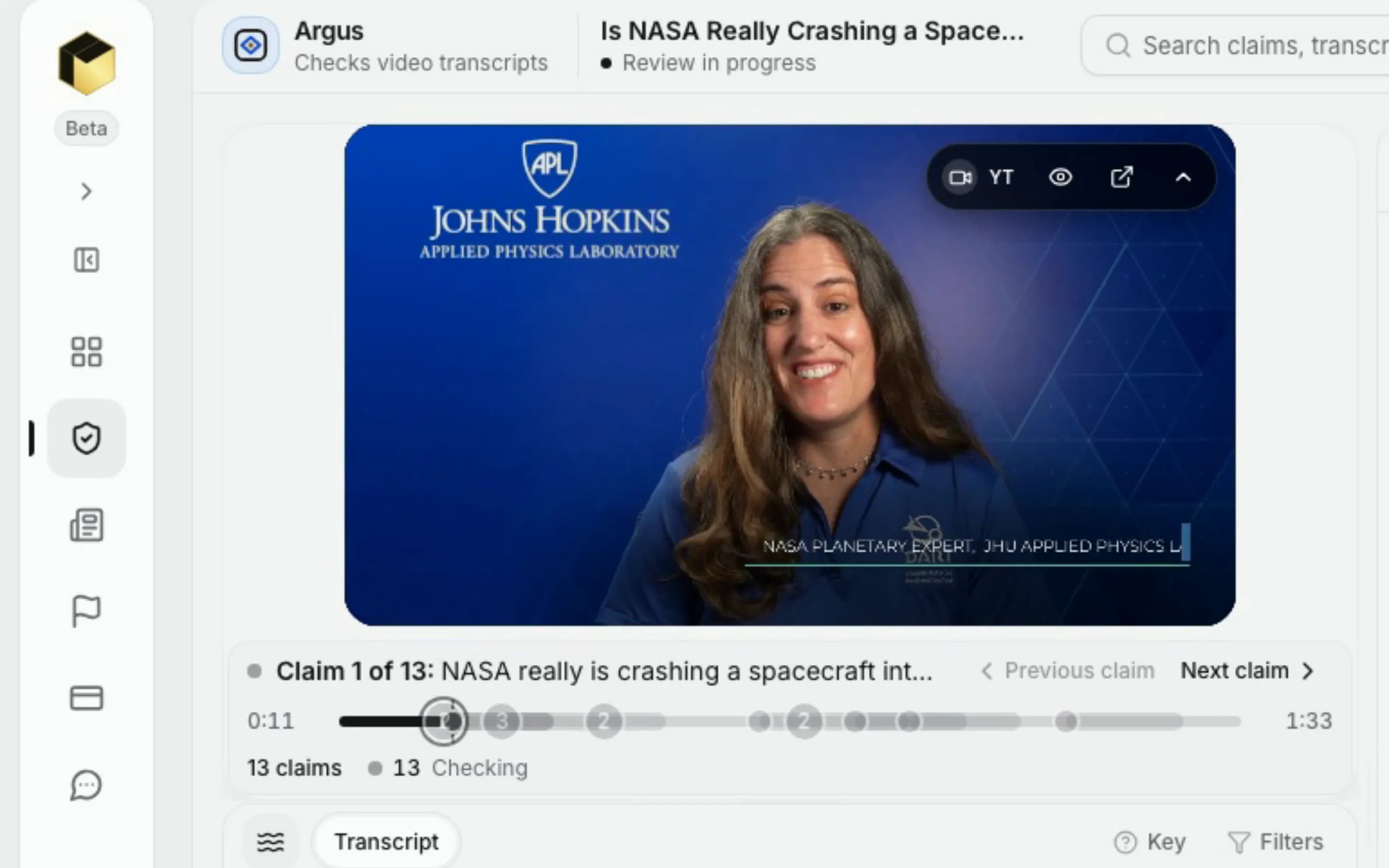
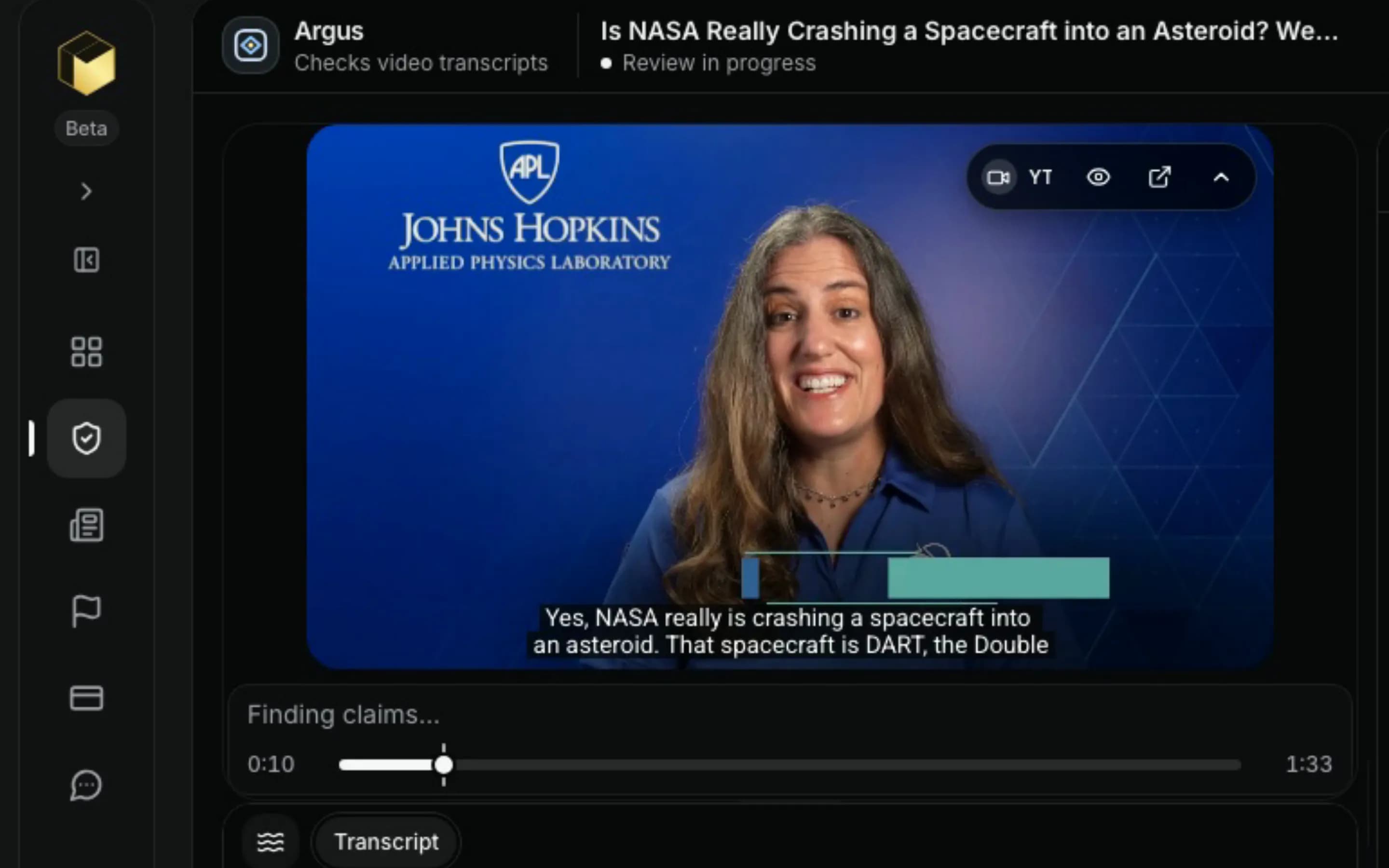
How it works
Bring text, a link, a document, video or audio. Pikaan does the splitting, searching and sorting; your team makes the call.
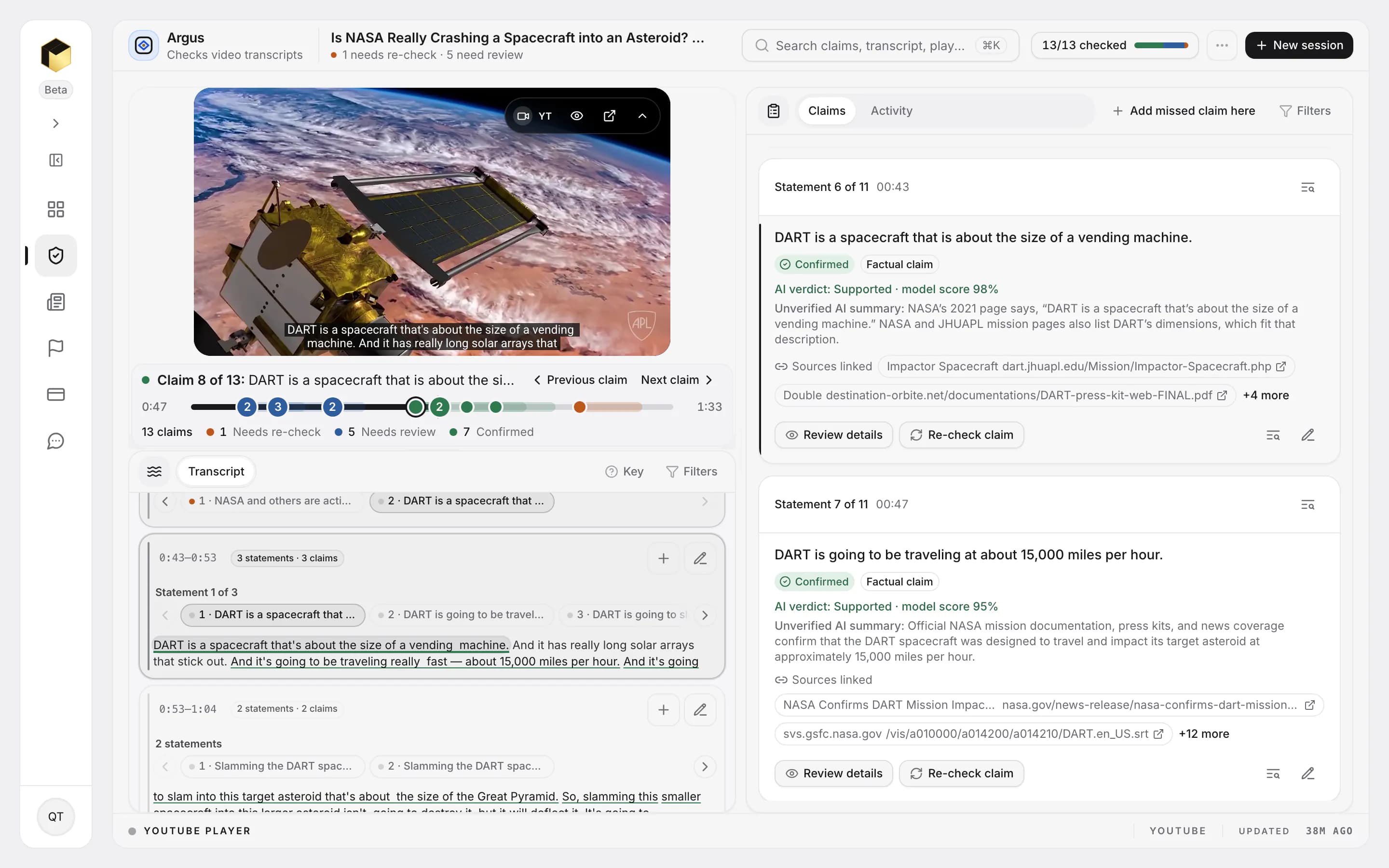
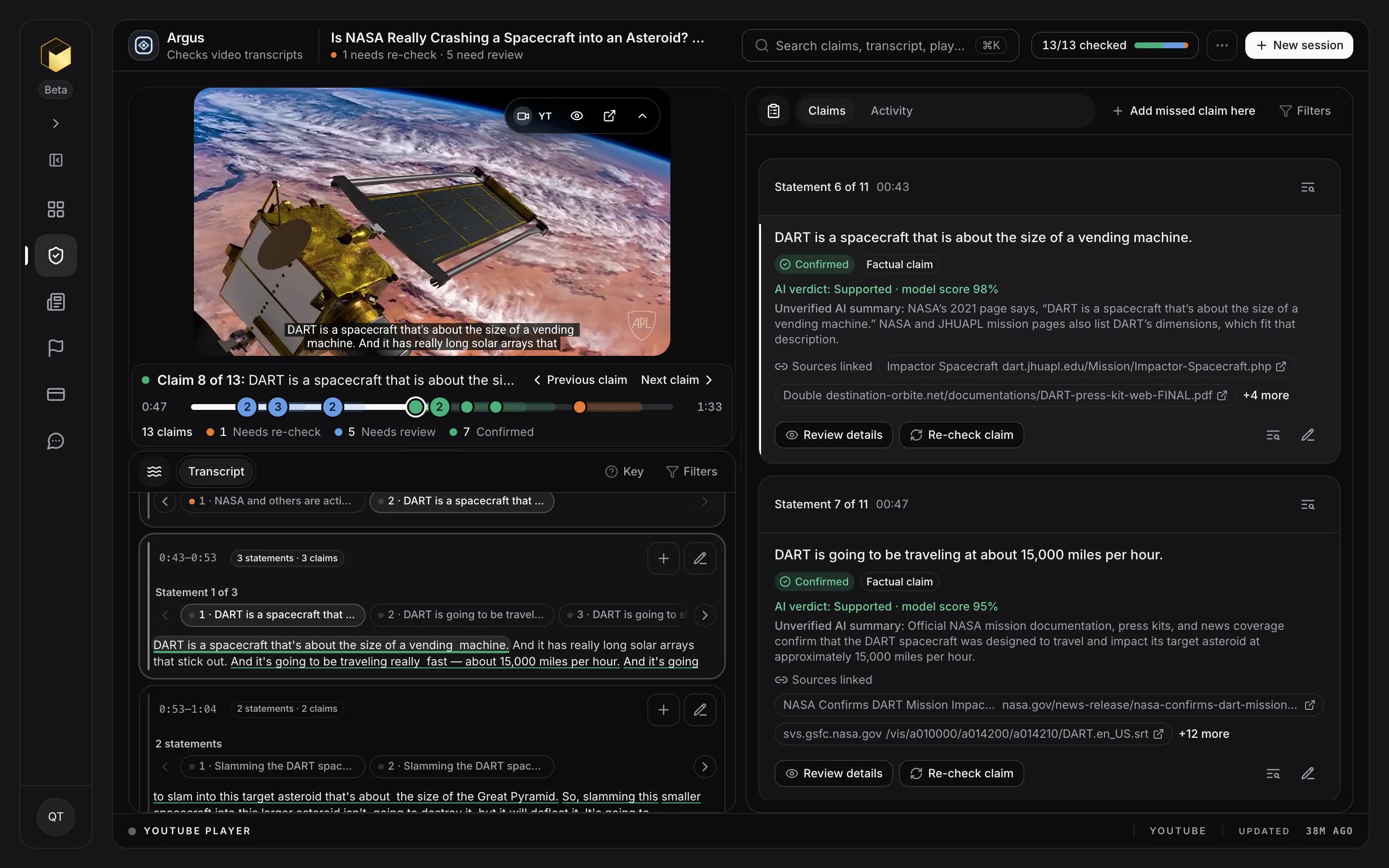
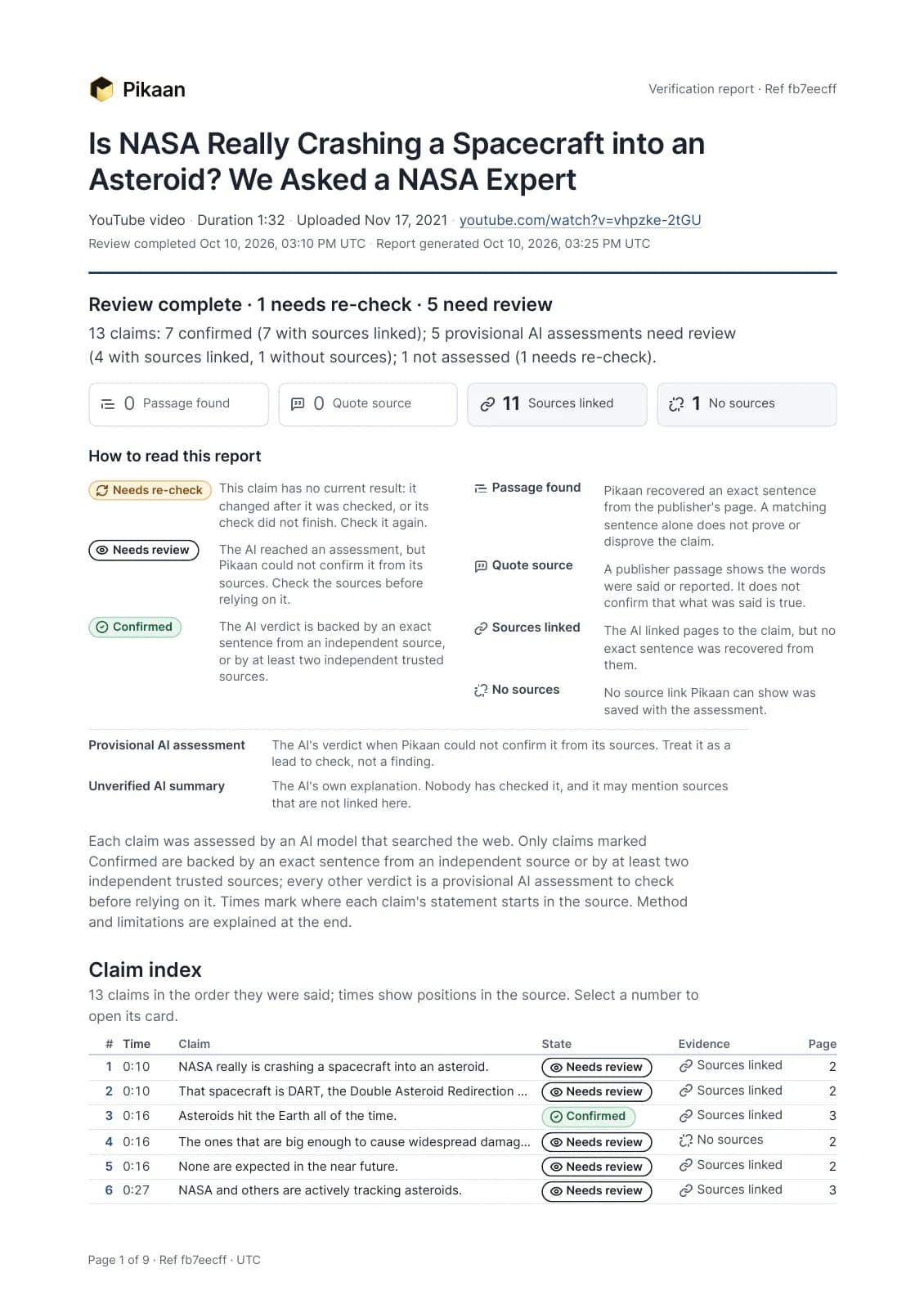
What Confirmed means
A claim reads Confirmed only when its verdict is backed by an exact sentence from an independent source, or by at least two independent trusted sources. Its evidence tag says which: Passage found or Sources linked. When the evidence falls short, the claim reads Needs review, so your team knows where to look first.
Pricing
Choose Starter or Pro for a paid self-service workspace. Usage is measured in credits, and every assessment still requires human review.
Billed $119.88 yearly · save 33%
Then $119.88 billed yearly. Cancel anytime.
Billed $599.88 yearly · save 29%
Reviews require a paid plan. Credits renew monthly. Credit use varies with source length, source type, and evidence work.
Every plan stops at your credit balance; compare plans for more capacity.
Trust
Pikaan shows its work, so your team can check a result before anything goes out.
Pikaan suggests a verdict and lays out the sources. Your team decides what holds up and what gets published.
Each claim lists the sources behind its verdict and, when Pikaan finds it, the exact sentence. A claim without sources says so.
Reviews are saved to your own workspace, not published. Delete a session at any time. We do not sell personal data.
Open Method on a checked claim to see how it was checked. Every PDF report ends with the method and its limits.
Read the Privacy Policy for how submitted content is processed, kept and deleted.
FAQ
Need help with a workflow or access question?Contact support
Account creation is open. Pikaan currently offers paid Starter and Pro subscriptions. Review the paid plans, then create or sign in to your account.
Create account